Android Training in Lucknow and Noida
Softpro Training provides the best Android Training in Lucknow and Noida. We are proud that your support and candidates result has made us the leading and the best Android training institute in Lucknow and Noida. We offers the amazing training on android under guidanec of highly experienced IT professionals.
Softpro's Android course focuses on giving the trainees high quality training on Android, starting wih Java so that they become skilled professionals. The training is imparted in such a manner that the trainees are able to develop Android application on their own.

You will Learn:
Core Java, Android Installation, Android Studio, Android Basics, Android Libraries, Android Application Design, Android Applicaion Development, Application Hosting, etc.


Why enroll for Android course?

Google certified program for
globally recognized Associate
Android Developer Certificate

1M apps on the Playstore with 65B downloads and $7B of wealth earned by programmers

Salary for android developers in US is between $62k - $159k
(based on US job data)
Why Android from Softpro!
 Live Interactive Learning
World-Class Instructors
Expert-Led Mentoring Sessions
Instant doubt clearing
 Lifetime Access
Course Access Never Expires
Free Access to Future Updates
Unlimited Access to Course Content
 24x7 Support
One-On-One Learning Assistance
Help Desk Support
Resolve Doubts in Real-time
 Hands-On Project Based Learning
Industry-Relevant Projects
Course Demo Dataset & Files
Quizzes & Assignments
 Industry Recognised Certification
Softpro Training Certificate
Graded Performance Certificate
Certificate of Completion
 Cloud Lab
Preconfigured Lab Environment
Infrastructure with Tools and Software
Single Sign-On
Android Certification Training Benefits
Android is one of the most used programming languages as the world is moving towards mobile apps and convenience. Java is very easy to learn and can help you in a high-salary job.
Flexible batches for you
Course Curriculum
- Evaluation of Java
- Java Features
- JDK, JVM, JRE
- Installation of JDK
- Setting the path of java compiler in path system variable
- First Java Program
- Use of Scanner and BufferedReader class in Java.
- Input and Output in Java
- Exercise on Input and Output
- Interview Questions on Input and Output
- Decision Controls
- if, if-else, nested if-else, ladder if – else
- switch
- Loop Controls
- While loop
- For loop
- Nested for loop
- Do-while loop
- For-each loop
- Exercise on decision controls and loop controls
- Interview Questions on decision controls and loop controls
- Declaration, Initiation and Initialization of array
- Use of Multidimensional array
- Use of String class
- Built-in functions of String class
- Use of StringBuilder class
- Difference between String and StringBuilder classes
- Exercise on Array, String and StringBuilder
- Interview Questions on Array, String and StringBuilder
- Concept of function call and return
- Static and Non-static function
- Types of function calls
- OOPS Concepts
- Access Specifiers
- Private, protected and Public
- Concept of class and object
- Exercise on Function and Class
- Interview Questions on Function and class
- Use of final modifier
- Types of constructors
- Inheritance
- Types of Inheritance in Java
- Examples on Inheritance
- Exercise on Constructor and Inheritance
- Interview Questions on Constructor and Inheritance
- Types of Polymorphism in Java
- Method Overloading
- Method Overriding
- Rules for Method Overriding
- Difference between Method Overloading and Method Overriding
- Exercise on Method Overloading and Method Overriding
- Interview Questions on Polymorphism
- Exception
- Types of Exception (Compile Time, Run Time, Error)
- Use of try, catch and finally
- Use of throw and throws
- Difference between throw and throws.
- Concept of Interface
- Examples of Interface
- Concept of Abstract class.
- Difference between Interface, Abstract class and Concrete class.
- Exercise on Exception Handling and Interface in Java
- Interview Questions on Exception Handling and Interface
- Thread Life Cycle
- Examples on Multithreading
- Concept of Package
- Type of Packages
- Advantages of Package
- Compilation Process
- Execution Process
- Concept of Nested Classes
- Use of Nested Classes
- Static inner classes
- Anonymous inner classes
- Exercise on Multithreading
- Interview Questions on Multithreading
- Exercise on Packages and Inner Classes
- Interview Questions on Package and Inner Classes
- Need of Collection
- Collection API (the classes and interfaces)
- The methods of Collection interface
- List Interface (the Array List, Linked List, and Stack classes)
- The Iterator and ListIterator
- Set Interface (the HashSet, LinkedHashSet classes)
- Exercise on Collection Framework
- Interview Questions on Collection Framework
- The Comparable and Comparator interfaces
- The TreeMap and TreeSet classes
- How Collection Framework is used in industry (the real Project Development)
- Exercise on Collection Framework
- Interview Questions on Collection Framework
- Java Editions and comparison with Android
- Android Apps – Design, Vendor, Behavioral Classification
- Android Architecture Overview
- Android Architecture
- Application Frameworks
- Android Libraries
- Android Runtime, Dalvik Virtual Machine
- Setup of Android Development Environment
- Installation of Android Studio
- Android SDK & Tools
- Android Virtual Devices & Device Definitions
- Your Android Application
- Android Application Design
- Using PhotoShop for Graphic Designing
- Android Application Wireframes (screens)
- Your First Android Application
- Creating Configurations
- Testing the app : AVD, Active device
- Android Project Structure
- Android Manifest file
- Release process & Release build of Android Application
- Signing the .apk file
- Preparing the Store Listing page
- Content Rating
- Distributing the Application
- Merchant Registration for Paid Applications
- Activities
- Views and Layouts
- View properties
- Linear Layout vs. Relative Layout vs. Frame Layout vs. Absolute Layout
- Localization of UI
- Best practices for targeting various form factors: phone, tablet, TV
- Best practices when working designing Android UI
- Android Testing
- Working with Test Packages
- Writing test cases
- Fragments
- Designing fragments
- Fragments lifecycle
- Fragment management and integration
- Creating the Activity
- XML versus Java UI
- Selection Widgets, Using fonts
- Common UI components
- Handling UI events: a bit about listeners
- Adapters
- Complex UI components
- Menus and Dialogs
- Tabbed Activities
- Navigation Drawer
- Animations
- Create activity layouts programmatically
- Testing and optimizing UI
- What is material ?
- Material properties
- Material Styling / Animations
- Material Patterns
- Resources
- Overview of Android Resources
- Creating Resources
- Using Resources
- Drawable Resources
- Animation Resources
- Background Services
- Overview of Android services
- Service lifecycle
- Declaring a service
- Registering a service
- Starting and stopping a service
- Threads and other concurrency considerations with services
- Bound versus unbound services
- Remote versus local services
- Intents
- Working with Intents
- Explicit and implicit intents
- Using Intents as messaging objects
- Intents to start components expecting results
- Storing and Retrieving Data
- Storage Model selection criteria
- Shared preferences
- Internal Storage – Files
- External Storage – SD Card
- Testing the created files, tools
- Introducing SQLite
- SQLiteOpenHelper and creating a database
- Opening and closing a database
- Working with cursors
- Inserts, updates, and deletes
- Native Content Providers
- Content provider types
- Searching for content
- Adding, changing, and removing content
- Native Android Content Providers
- Accessing Contact Book, Calendar
- Custom Content Providers
- Custom Content Provider classes
- Publishing content providers
- Web Services
- Understanding Web Services
- Web Services Architecture
- Building Server side components
- Publishing web services
- REST based web services
- Accessing Web Services
- Integrating Web Services with mobile client
- Document Object Model ( DOM )
- Simple API for XML ( SAX )
- JavaScript Object Notation ( JSON )
- Parsing XML and JSON
- Using Location Manager, Location Provider
- GPS and Network based tracking
- Testing the application using KML files
- Simulation of the locations on the active device
- Location Listeners and Proximity Alerts
- Telephony
- Telephony background
- Accessing telephony information
- Monitoring data activity and connectivity
- Working with messaging SMS
- Integrating Google Maps
- API Version 2 of Google Maps
- User Interface – MapFragments
- API key generation
- Registrations in the manifest file
- Google Map, Camera Positions
- Adding Markers, Circles, Polylines
- Google Maps Directions API
- Playing Audio & Video
- Recording Audio & Video
- Customizing Camera & Capturing Photos
- Voice Recognition
- Text To Speech
- Work with Bluetooth Devices
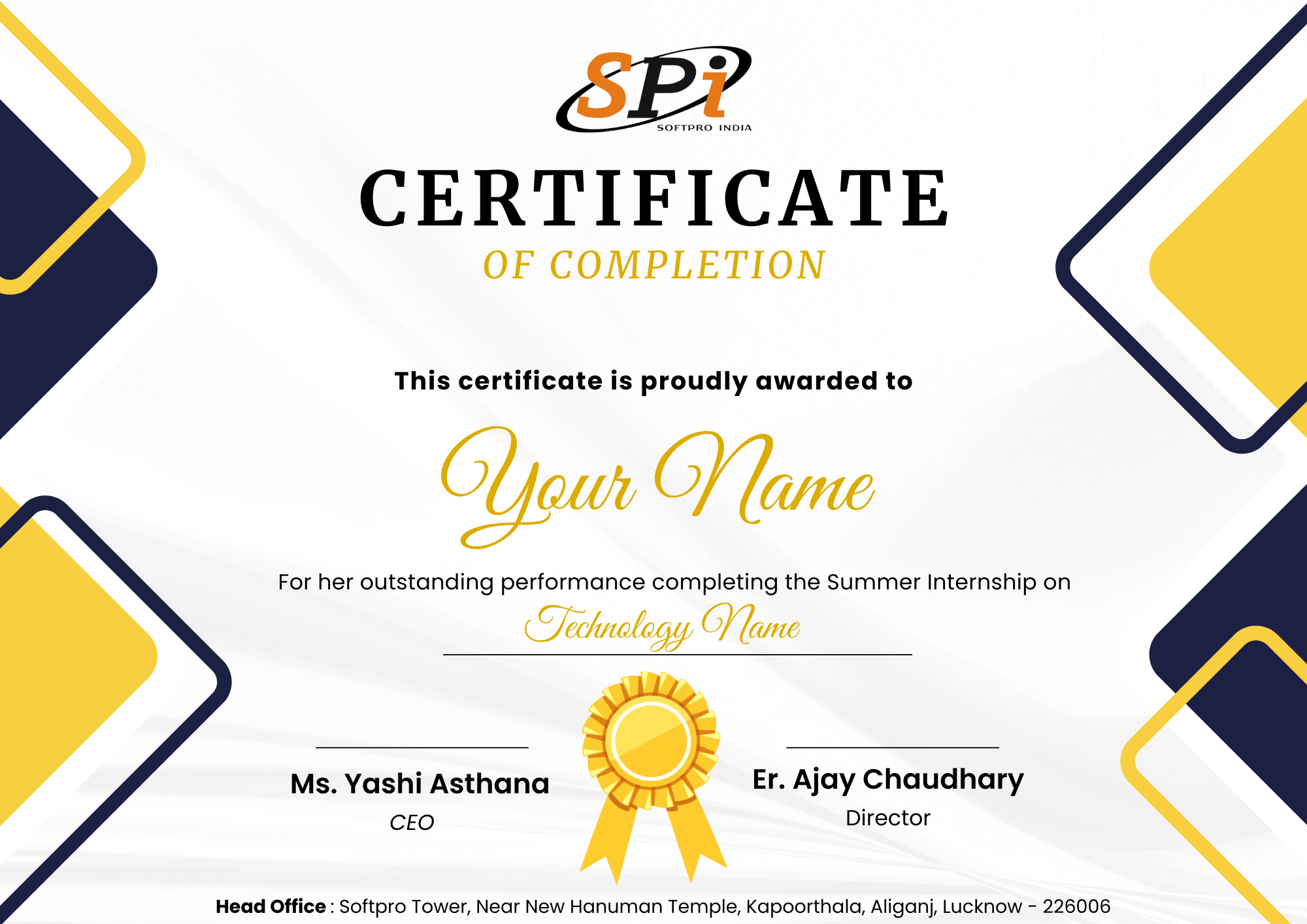
Certification
Softpro’s Android Professional Certificate
Reviews
4500
Total number of reviews
4.5
Aggregate review score
85%
Course completion rate
